
Muni’s New “Twitter Bus” Opens While SFMTA Faces Yawning Budget Gap

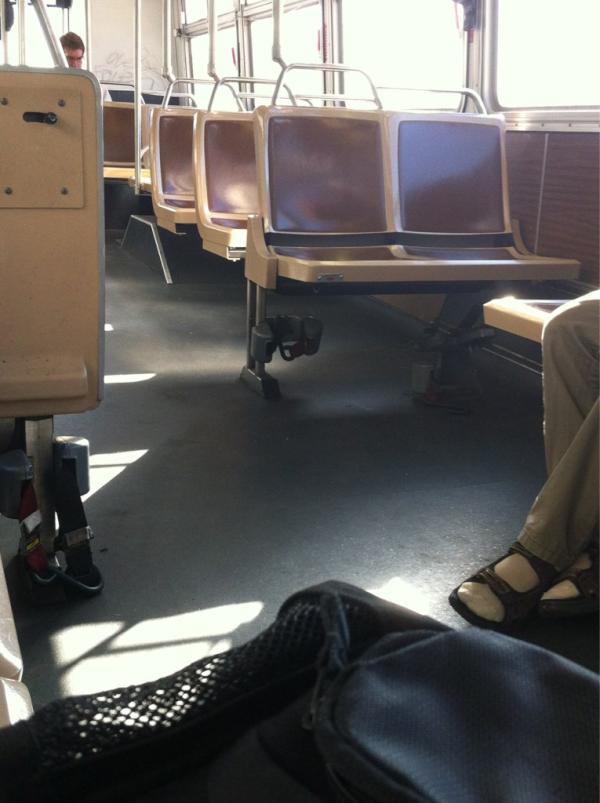
A new Muni line went into service today: the 83x, which runs during peak hours between downtown Caltrain and mid-Market. It’s been dubbed the “Twitter Bus” and the “Hashtag Express” by those who see its launch as part of the city’s efforts to accommodate Twitter’s move to the resurgent area.
But after a new labor agreement signed by Mayor Ed Lee last week stuck the SFMTA with a $14.6 million deficit, the agency is once again looking to make ends meet. The agreement was made after the Board of Supervisors Finance Committee passed an SFMTA budget that banked on $7 million in reduced labor costs. The union deal includes a pay raise instead.
The 83x hasn’t been indicated as a target for cuts yet, nor is it clear how much it would save the SFMTA (an agency document [PDF] about the route only says its costs will be offset by “operations and maintenance efficiencies”). However, some transit advocates have questioned whether the resources devoted to the 83x could be used more effectively.
The cuts will have to come from somewhere, and the SF Transit Riders Union is launching a “rider revolt” to urge the SFMTA Board of Directors next week to steer clear of service and maintenance cuts for Muni riders.
A list of budget cut options will be presented at next week’s board meeting. Should the 83x be the first to go, or should it stay to make it easier for new mid-Market employees to commute on transit?
Regardless, people who already rely on Muni can’t afford to pay for this unexpected budget gap. After a round of service cuts in 2010 and rapid-fire fare hikes (adult monthly passes cost $45 in 2009 and $72 today), it’s imperative that the SFMTA avoid balancing its books on the backs of transit riders.

Read More:
Streetsblog has migrated to a new comment system. New commenters can register directly in the comments section of any article. Returning commenters: your previous comments and display name have been preserved, but you'll need to reclaim your account by clicking "Forgot your password?" on the sign-in form, entering your email, and following the verification link to set a new password — this is required because passwords could not be carried over during the migration. For questions, contact tips@streetsblog.org.